
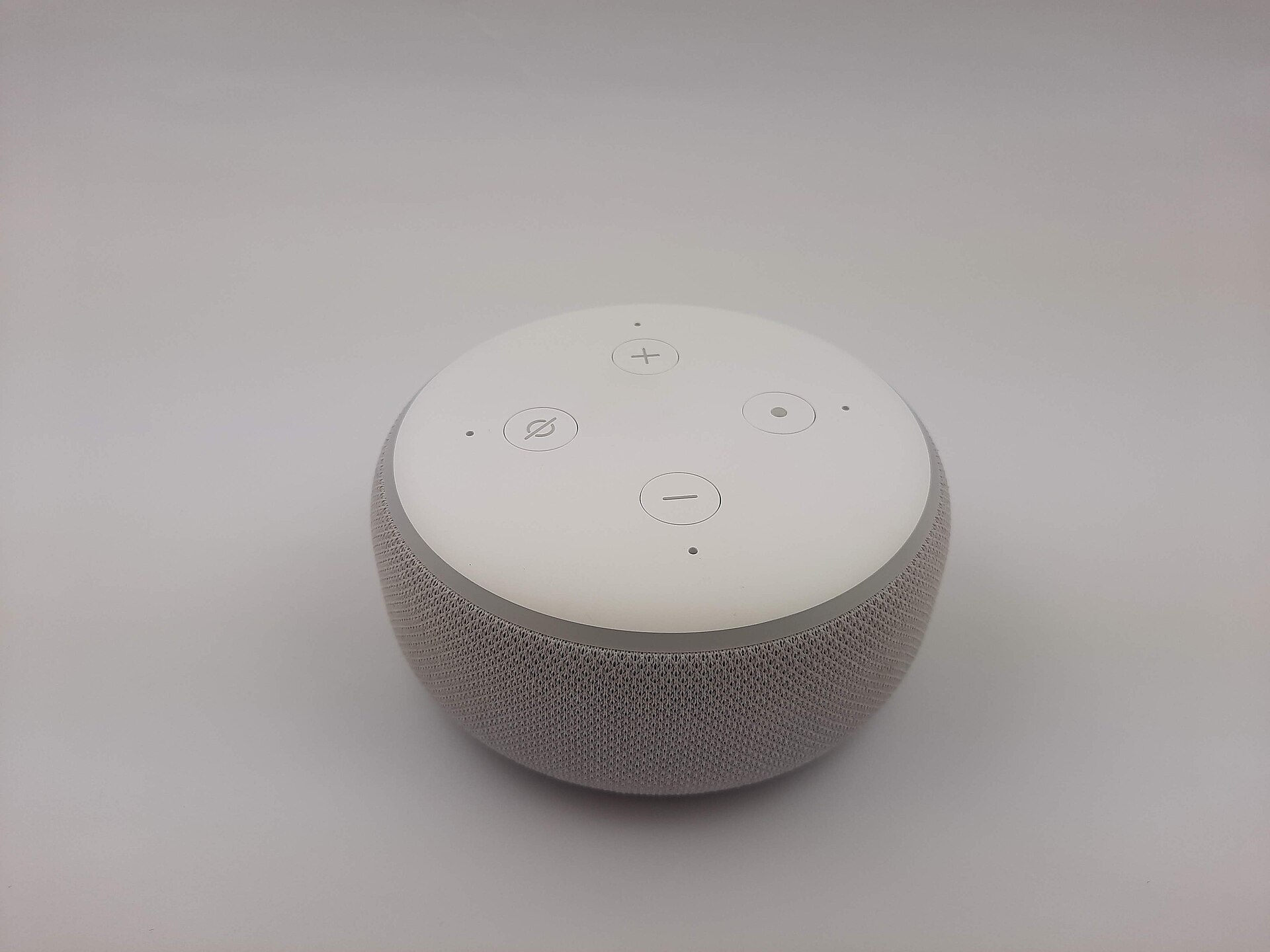
An older smart speaker can be a useful household tool without becoming the centre of your home. The third-generation Echo Dot is best approached with a modest brief: a compact voice interface for compatible Alexa tasks. Whether it belongs in your room depends as much on account settings, service availability and privacy preferences as on the hardware itself.
At a glance
| Generation | Echo Dot, 3rd generation |
|---|---|
| Assistant | Amazon Alexa |
| Connection | Wi-Fi; external power required |
| Controls | Physical microphone-off button |
Start with one task, not an entire smart home
Choose a single everyday purpose before adding accessories. That might be a kitchen timer or voice control for a light you already own. Confirm the exact task and the relevant service in your region rather than assuming that every feature mentioned in an old review still works. Cloud-connected products can change after launch. Buying a speaker on the strength of one integration is risky if that integration is the only thing you want it to do.
Privacy is part of the setup
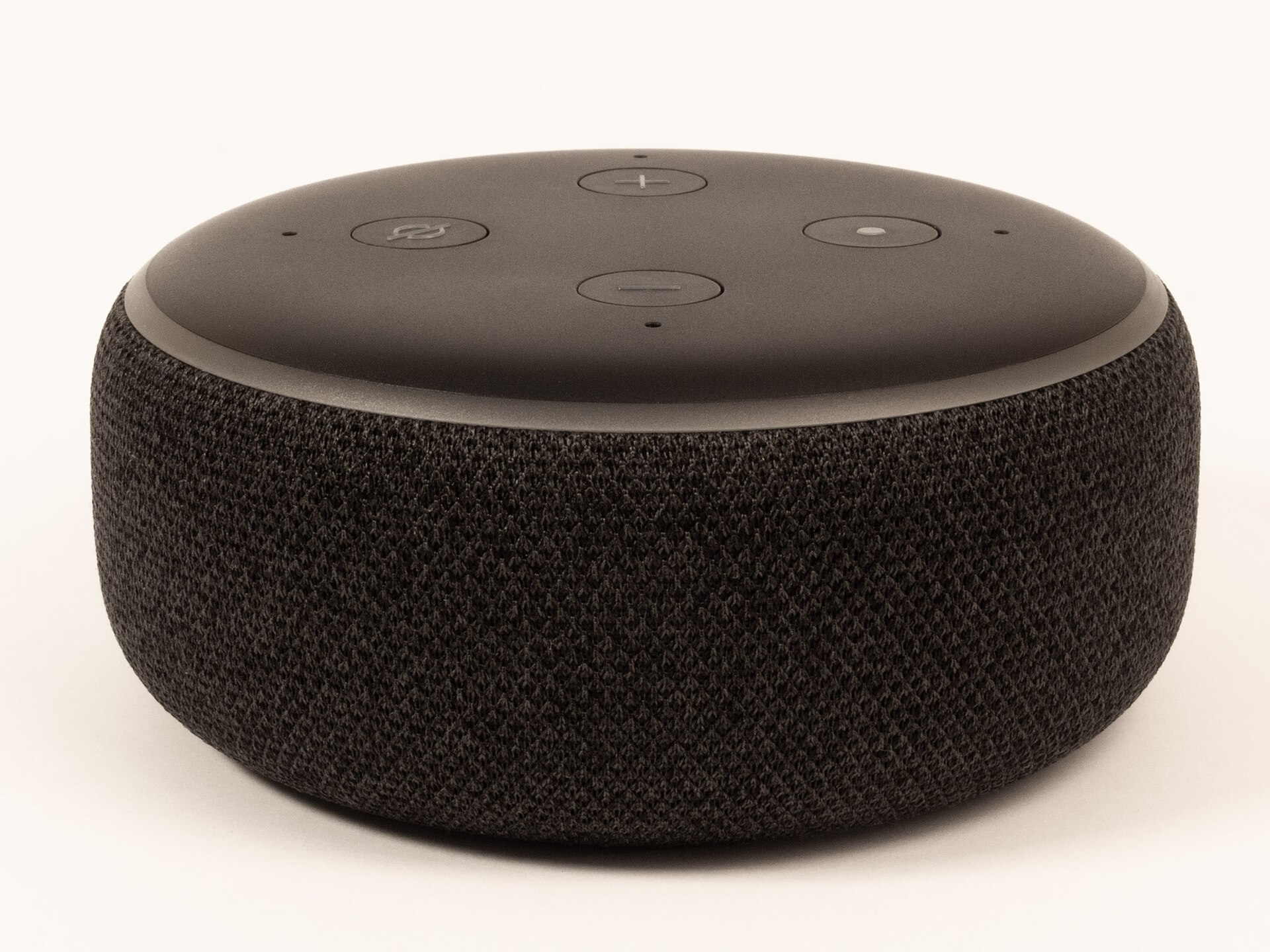
A microphone-equipped device deserves a deliberate location. Keep it out of spaces where a voice assistant would make you or other household members uncomfortable. Learn the microphone-off control and review the account settings for recordings and connected services. Explain the device to guests rather than assuming that everyone shares the same comfort level. A physical button is useful, but it does not replace understanding how the associated account and cloud service operate.
Used hardware needs more than a quick power-on
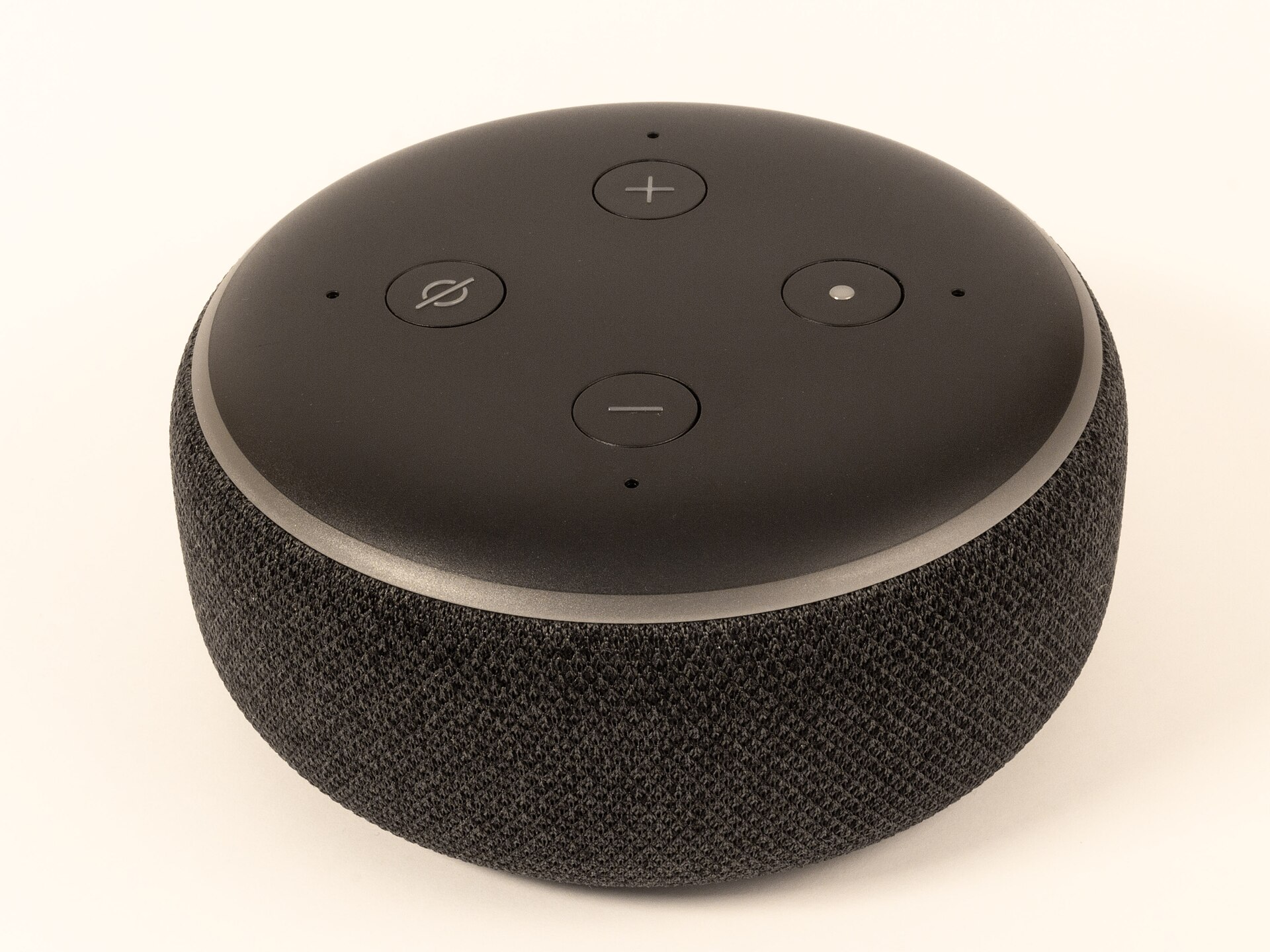
Ask the seller to deregister the device and demonstrate that it can be set up again. Use a compatible, undamaged power adapter and avoid damaged plugs or cables. Check the speaker fabric, buttons and power connection. A bargain is not compelling if it comes with account trouble, unreliable power or no return route. Compare the full used price against an available newer model with a warranty, and verify current support with Amazon before committing.
Keep the expectations proportionate
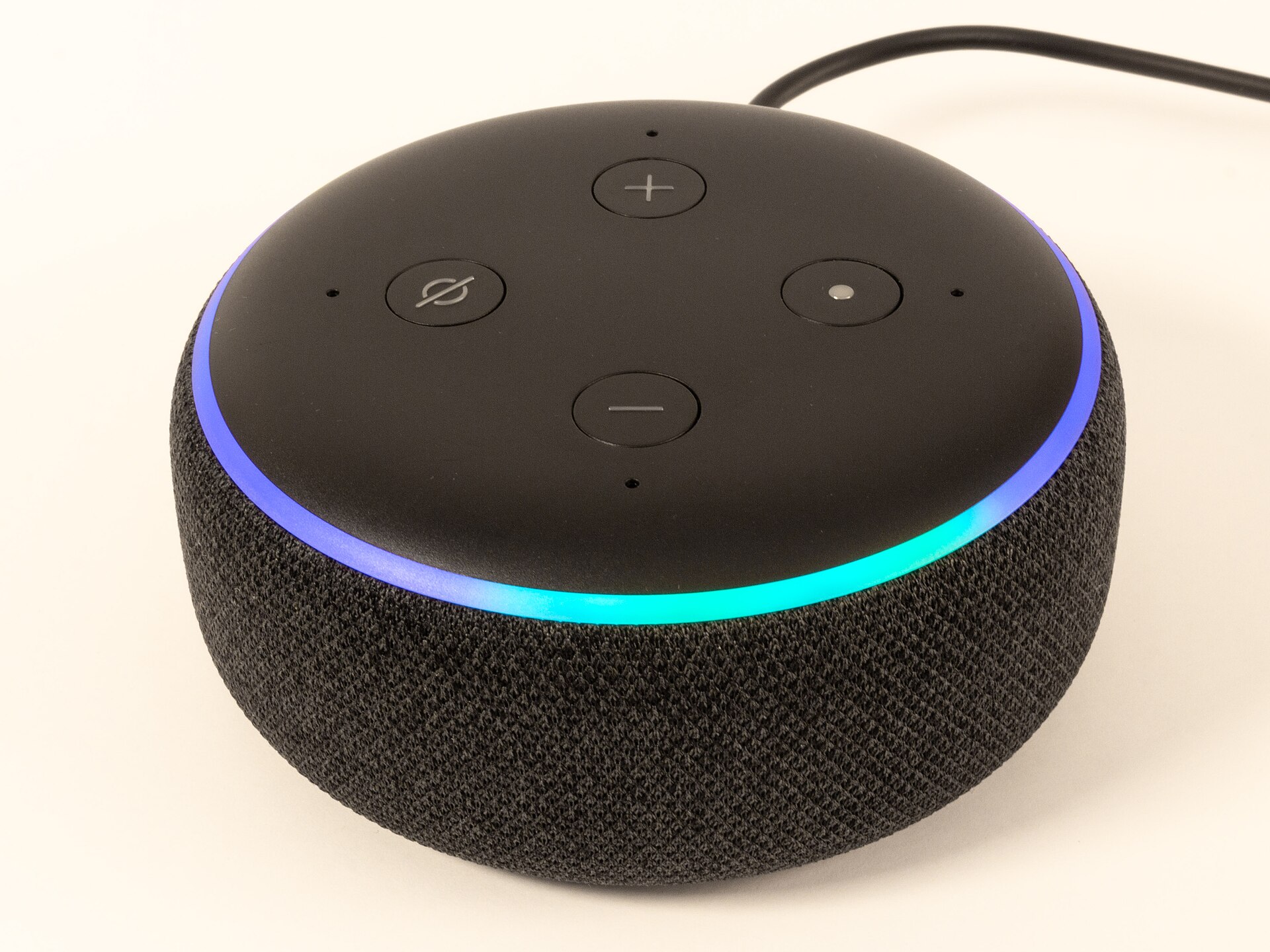
This is a small smart speaker, not a substitute for a larger dedicated listening system. We have not measured its output or tested voice recognition, so we do not claim a particular sound quality, range or response speed. Room position, background noise, network reliability and the availability of supported services all matter. If music is your main reason to buy, audition an appropriately sized speaker rather than treating voice features as evidence of audio performance.
What works in its favour
- Compact format for a single-room voice interface
- Physical microphone-off control
- Can extend an existing compatible Alexa setup
What to weigh up
- Depends on accounts, connectivity and supported services
- Older hardware requires current-support checks
- Small speaker format limits its role in a music-focused system
Who should buy it?
Worth considering for an existing owner who has a useful, supported task, or a cautious used buyer with a return option. Less suitable for anyone seeking offline voice control or a premium music system.
The Quietdrive verdict
Keep one if it still performs a task you value. Buy one only after checking support, account status and the total price against newer alternatives. A restrained smart-home purchase should solve a real inconvenience rather than introduce another device to manage.
Sources & transparency
Amazon Echo device identification and support. Specifications and support can change; check the exact model and your region before purchase. Images are independently licensed photographs, not evidence of Quietdrive testing. Each photograph carries its source and license.
There are no paid placements or tracked affiliate links in this article. Affiliate disclosure.